

So it begins.
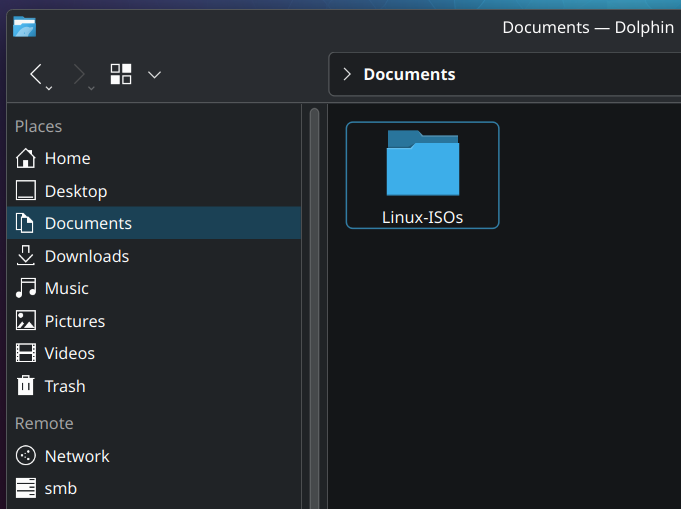
I’ve been flashing my USB often enough that it’s now worth it to keep all my ISO’s neatly to use them when I need them. I plan on buying 10 USB sticks to just have ready when ever I need a specific version.
I’m visiting family now, so time to upgrade their Linux Mint to Kubuntu
First you need to download the provided file from the distro page. Something with Checksum in the name most of the time. The website should provide instructions. Please note that does not validate the gpg key.
Quick Method Terminal: Open the terminal at the location of the ISO file or go there with
cd. Typesha256sum NameOfIsoFile.iso- it takes a moment depending on your system. Copy the output (some long numbers/letters). Compare it with the downloaded checksum-file - open the file, press ctrl-f or whatever you have for find and paste it. If it’s found, it’s the same.Method KDE: Right click the file, open properties, then go to tab “Checksums”. Paste same number/letter combination from above into the provided space “Expected checksums…” - if it’s green, it’s correct.
Thanks, that does sound familiar. Maybe it was the gpg bit that confused me before.