

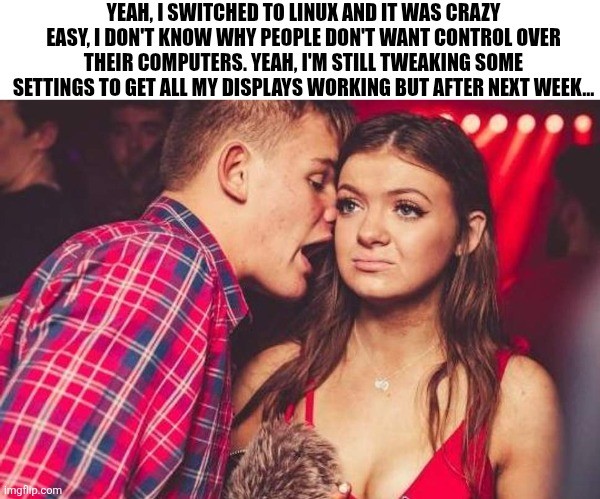
Edit: I’m glad so many of you have had no issues with multiple monitors. My set up is a little unusual (3rd display is an infrequently used large tv hooked through the receiver) and is definitely solveable but will take some effort (and honestly, I’d rather spend my spare time outside or with friends, so who knows when I’ll fix it.)
The trick is to buy linux-approved hardware.
For example, there are specific machines which are approved by ubuntu as officialy working with ubuntu.
Thinkpads are generaly good to use.
Consumer Thinkbooks (Shitbooks) like the 16 G7 IML are NOT at all compatible.
You gotta work your hardware around linux a bit.
Thinkbooks are actually decent (quality-wise), but the ideapads - fuck them, I’m never making that mistake again, I hate typing on practically rocks and having no upgrade path.
Pfft, L take, just learn linux from scratch and install linux on a pdf file, partition the machine, make it boot directly the pdf file, and have a working lfs, very customisable as well.
(In case it’s not clear, this is a joke, by which I mean, the part where I recommend this, the process I describe is for some reason an actually doable thing (technically can do it on a piece of salami if you’re rednecked enough))