You must log in or register to comment.
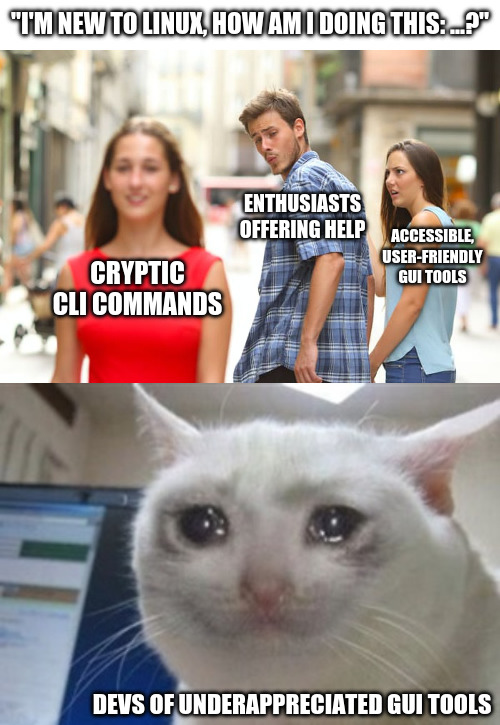
I’m a big fan of Mint specifically because they spent so much effort making just about everything accessible from a user friendly GUI. I totally agree with you, every time I see this kind of thing online I die a little.
Most people don’t want to become an expert in the task they want to do. They just want to do it once. CLI tools demand expertise.
For a one off issue it’s easier to send a cli command they can copy paste than to detail steps in the gui.
The problem I have is that the GUI tools are very specific to distros, dms, and releases. It’s a problem that arises from having so many choices.
CLI tools work long after they’re deprecated and very often cross distros.
Something as simple as getting your IP address can be in diferent areas, the settings->network panel isn’t even a safe bet. A lot of distros are now putting a network or wifi icon in your tray, but it doesn’t always look the same, can be hidden, isn’t in the same place.
Ifconfig and ip work on everything and can be installed on almost, if not every, platform.
If you do a web search for how to find your local network address in linux using the GUI, you’re given a choice of a bunch of different places to look and the reccomendations don’t line up word-for-word with what the current menus in KDE->settings look like. What’s more interesting is when I go into kde-settings and do manages to find Wi-Fi and internet instead of network connections, it doesn’t give me my ip, it’s all just blank.
You can’t copy and paste into a GUI, and it’s painful to help people to use them.
Or pipe GUI output into another GUI function.
Or
log.txtSo you want newbies blindly entering scripts to there command line and not knowing what that are doing.
They’re blindly doing it either way. I understand and want GUIs as well, but dumping commands into terminal is starting to seem easier than “go here click this, now click that”
Open “app” -> open menu -> select option -> change this / push this button.
Just as easy to write as a command. But many people (me included) is so used to go the CLI route that the GUI way is only an afterthought.
Just as easy to write as a command.
No. First you, the helper, have to find the option in the gui. Then you have to look up every step in the path through the gui. At every step you have to find the english name for the button/menu (localization exists), and manually type it (because you can’t select and copy the text of the gui (by default at least)). Also just referring to buttons by name sometimes won’t work. It is so cumbersome.
I can’t find this menu, where is it?
Now you have to go figure out what they’re actually looking at and whether it’s what you said to do or not. Command line copy-paste removes any uncertainty.
Come on It’s not the enthusiasts fault! When you get used to the terminal and running commands in it, its vastly faster than through a gui.
“terminal is love, terminal is life”
Vastly faster for something users do once a year at best…