They’re blindly doing it either way. I understand and want GUIs as well, but dumping commands into terminal is starting to seem easier than “go here click this, now click that”
Now you have to go figure out what they’re actually looking at and whether it’s what you said to do or not. Command line copy-paste removes any uncertainty.
No. First you, the helper, have to find the option in the gui. Then you have to look up every step in the path through the gui. At every step you have to find the english name for the button/menu (localization exists), and manually type it (because you can’t select and copy the text of the gui (by default at least)). Also just referring to buttons by name sometimes won’t work. It is so cumbersome.


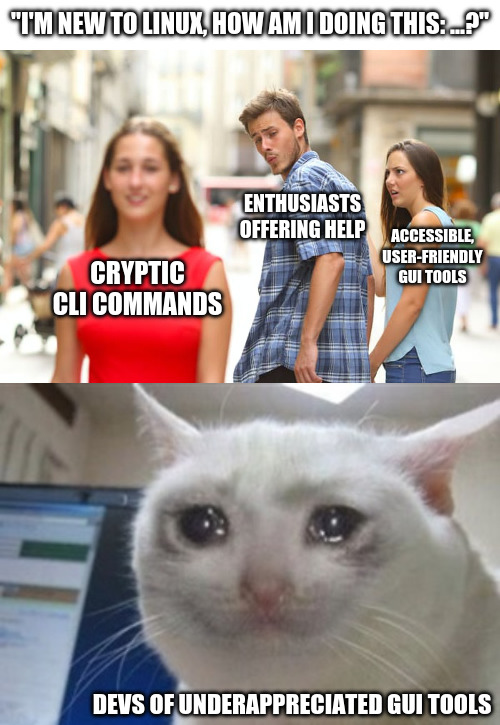
You can’t copy and paste into a GUI, and it’s painful to help people to use them.
Or pipe GUI output into another GUI function.
Or
>> log.txtSo you want newbies blindly entering scripts to there command line and not knowing what that are doing.
They’re blindly doing it either way. I understand and want GUIs as well, but dumping commands into terminal is starting to seem easier than “go here click this, now click that”
Open “app” -> open menu -> select option -> change this / push this button.
Just as easy to write as a command. But many people (me included) is so used to go the CLI route that the GUI way is only an afterthought.
Now you have to go figure out what they’re actually looking at and whether it’s what you said to do or not. Command line copy-paste removes any uncertainty.
No. First you, the helper, have to find the option in the gui. Then you have to look up every step in the path through the gui. At every step you have to find the english name for the button/menu (localization exists), and manually type it (because you can’t select and copy the text of the gui (by default at least)). Also just referring to buttons by name sometimes won’t work. It is so cumbersome.